At some point, most growing businesses hit a wall with their current setup. Maybe it is QuickBooks and a handful of spreadsheets, or three subscriptions that do not talk to each other. The idea of switching to something better sounds good until someone asks the obvious question: what happens to all our data? That question stops more businesses than anything else. Here is what a real migration actually looks like.
What "Data Migration" Actually Means
Most business software holds years of history: customer records, vendor contacts, open invoices, past orders, product lists, and pricing rules. When you move to a new system, that information does not transfer automatically. Someone has to export it from the old system, clean it up, and import it into the new one in a format the new software understands. That is data migration.
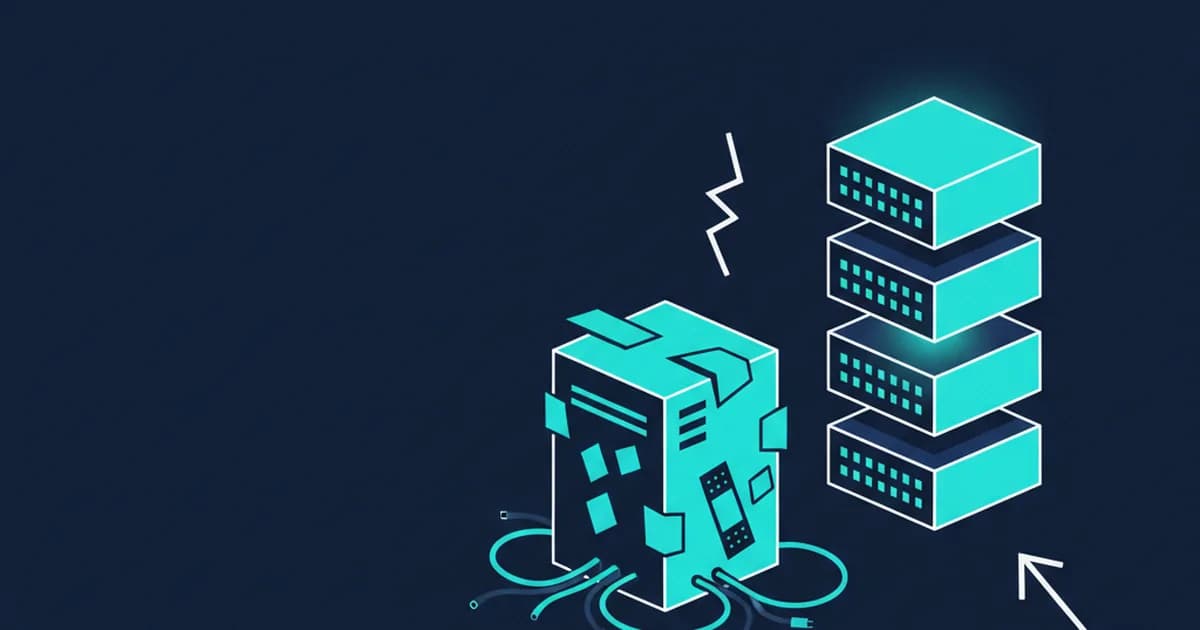
Done poorly, migration means re-entering records by hand, or finding out six months later that half your customer contacts arrived with phone numbers in the wrong field. Done well, your team opens the new system on day one and their data is right where they expect it.
Not Everything Needs to Come With You
Not every record needs to move. Old closed invoices from several years back matter far less than your current open orders, active customer accounts, vendor contacts, and inventory counts. A good migration plan starts by deciding what is live and active versus what is just historical.
That said, some history is worth bringing over: outstanding balances, customer purchase history your team uses for quotes, and any service agreements still in effect. The goal is to arrive at go-live with the information your team needs to do their jobs, not a complete archive of everything since you first opened your doors.
Where Things Usually Go Wrong
The most common migration problem is not a technical one. It is that nobody cleaned up the source data before moving it.
Duplicate customer records, outdated vendor contacts, products with no cost attached, invoices tied to customers that no longer exist - these show up in almost every system that has been in use for more than a couple of years. Moving messy data into a new system does not fix the mess. It just gives you a cleaner-looking mess in a new place.
Before any migration, it is worth spending a few hours going through your existing records. Delete obvious duplicates, fill in blanks that matter, and flag anything that looks off. Your new system will work better from day one if the information going into it is accurate to start with.
What a Staged Implementation Looks Like
A proper Odoo setup does not mean flipping a switch and hoping for the best. The process runs in stages. First, the system is configured to match how your business actually works - your chart of accounts, product categories, tax settings, and daily workflows. Then data is imported and checked. Then a small test group uses the system before the rest of the team goes near it. Only after that does the business go fully live.
During that window, your old system stays accessible so nothing slips through the cracks. Running both in parallel for a short stretch removes most of the risk from the transition.
Training works the same way - not one long class that everyone forgets by the end of the week, but short focused sessions tied to the specific tasks each person actually does.
One Thing to Do Before You Commit to Anything
Before you sign up for any new platform, ask your current software vendor for a full data export in a standard format. Most will provide it. CSV files, spreadsheet exports, or a database backup are all reasonable starting points for a migration.
If your vendor makes it difficult to get your own data out, that is useful information. It tells you something about how they think about the relationship, and it gives you a head start on planning the move.
If you want to know whether your current data can make the move to Odoo, or you just want to understand what the process looks like for a business your size, Joshua is happy to talk it through. Book a free 15-minute call and get a straight answer with no sales pitch.