Most small businesses run everything through a single internet connection. Email, phones, payment processing, cloud software, video calls - it all flows through one pipe. That works fine until it does not. And when it stops working, it usually does so at the worst possible time.
What Goes Down When the Internet Does
The easy answer is "everything." But it is worth spelling out, because most business owners underestimate the scope until they are in the middle of it.
If your phones run on VoIP (voice over internet), they go silent. Your credit card terminal may stop processing. Any software that lives in the cloud - accounting tools, scheduling systems, shared files - becomes inaccessible. If a customer tries to reach you, they hit a dead end. If your team is mid-project, they stop.
Even a short outage during a busy morning can mean missed calls, missed sales, and a frustrated staff with nothing to do but wait.
Why Outages Are More Common Than You Might Expect
Your internet connection can fail for reasons that have nothing to do with your provider having a bad day. A contractor cuts a cable down the street. Equipment at a local node overheats. A fiber line gets damaged in a storm. These things are outside your provider's control and outside yours.
Most business internet providers include a service level agreement - a promise about uptime - but the fine print allows for more downtime than people expect. And when that downtime falls during business hours, a written promise does not pay your bills.
What a Backup Connection Actually Looks Like
A backup connection is a second internet circuit from a different provider, or over a different type of network. If your primary connection is fiber from one carrier, a backup might be a cable or LTE connection from another.
The goal is diversity. If both connections run through the same physical cable in the ground, they fail together. Done right, a backup connection is completely independent, so a single point of failure cannot take out both at once.
How SD-WAN Makes the Switchover Automatic
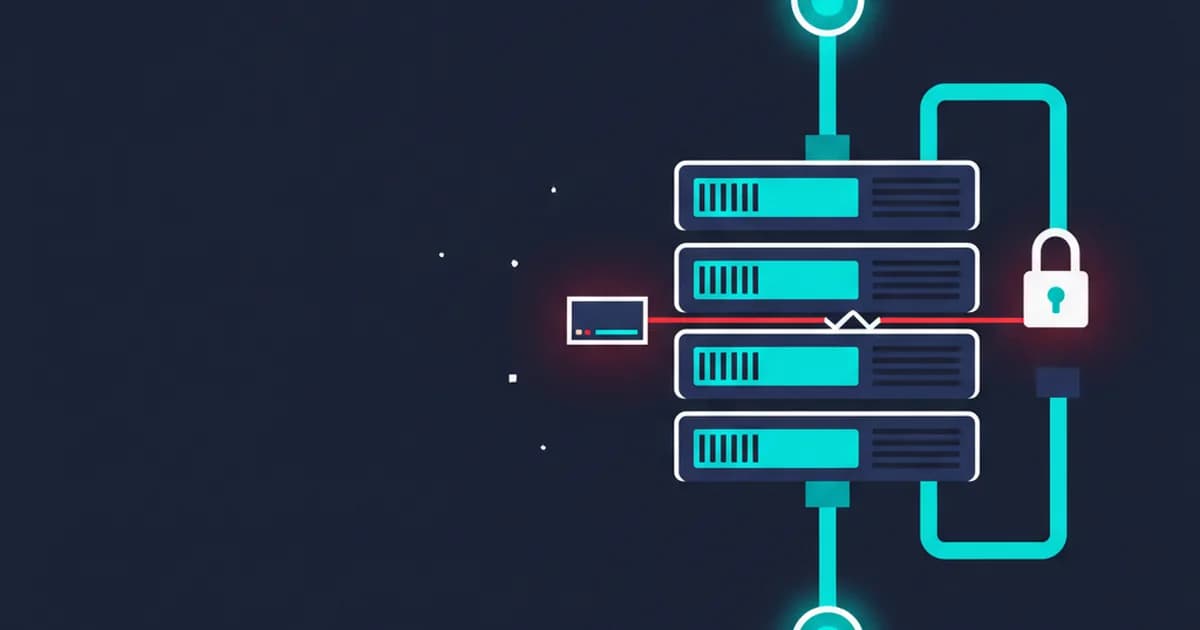
Having two connections does not help if switching between them requires someone to manually change settings while customers are waiting. That is where SD-WAN - short for software-defined wide area network, which is essentially a smart router that manages multiple connections at once - comes in.
SD-WAN watches both connections in real time. The moment it detects that the primary connection is down or degraded, it shifts your traffic to the backup. For most applications, the switch happens fast enough that your team barely notices. Calls stay connected. Transactions go through.
Some setups also use both connections at the same time, spreading the load so neither gets overwhelmed during busy periods. That can make the network feel faster, not just more reliable.
Is a Backup Connection Worth It for Your Business?
That depends on what an hour of downtime actually costs you. Think about what you bill in a typical hour, or what a busy morning is worth. Think about whether a customer can reach a competitor just as easily as they can reach you.
For businesses where internet access is directly tied to revenue - a medical office, a retail store, a service company that takes calls - the cost of a backup connection is usually small compared to what one bad day can cost.
For businesses that can tolerate occasional hiccups, a simpler setup may be fine. The honest answer is that it is worth a short conversation to figure out which category you fall into.
If you want a straight answer about where your setup stands, book a free 15-minute call with Joshua. He will look at your current connection, spot the weak points, and walk you through your options - no sales pitch, just a clear picture of what makes sense for your size and budget.