Your servers are aging, your lease is coming up, and someone just asked whether you should move to colocation or the cloud. For small businesses weighing colocation vs cloud, the question is rarely simple: both options can cut costs compared to refreshing on-premises hardware. Both carry real trade-offs around control, compliance, and long-term spend.
After reading this, you will know the key cost drivers behind each option, the compliance and control questions worth asking before you sign anything, and a practical framework to match the right choice to your workload and your budget.
What Colocation Actually Is and Is Not
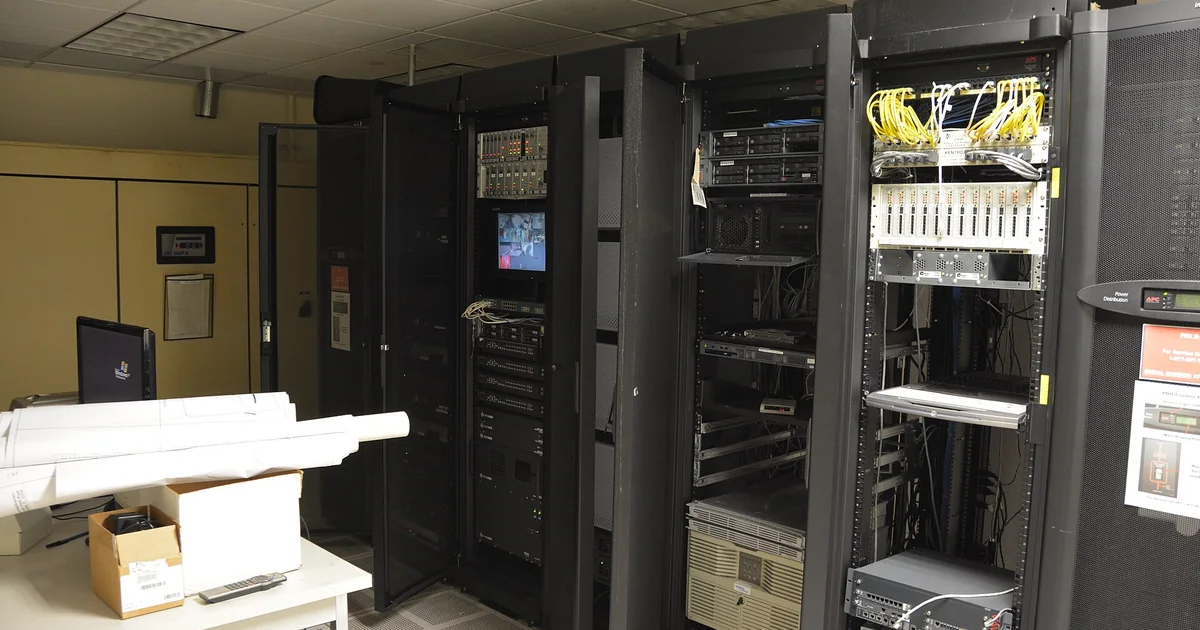
Colocation means you own the physical servers. You rent space, power, cooling, and internet connectivity inside a third-party data center. The data center operator keeps the lights on and the network running. Everything else, the hardware, the operating system, the software, is your responsibility.
Cloud hosting works differently. You are not buying servers at all. Instead, you consume virtualized computing resources running on shared infrastructure owned by the provider. You pay for what you use and can scale up or down without touching any hardware.
Providers like AWS let you launch virtual servers on demand. When you do, you pick an instance type that sets the underlying hardware resources your workload receives (AWS EC2 documentation).
The practical line between the two is control versus convenience. Colocation gives you direct control over physical hardware but requires you to buy, manage, and eventually replace that hardware. Cloud removes hardware ownership entirely and replaces it with a usage-based model. Neither is inherently better. The right answer depends on your workload, your staff, and your budget.
Colocation vs Cloud for Small Business Cost Math
Colocation pricing is straightforward: you pay a fixed monthly fee for your cabinet space, power draw, and bandwidth. That predictability helps with budgeting. Cloud pricing is usage-based, which can work in your favor or against you depending on how consistently you consume resources.
For steady, high-utilization workloads, colocation usually wins on pure cost. You bought the hardware once and you run it hard. Cloud bills scale with every virtual CPU, gigabyte of storage, and data transfer. Those charges add up fast when workloads are consistent rather than bursty.
The workload most commonly misplaced in cloud is the always-on internal database server with predictable, high load. Owners assume cloud is cheaper by default, but when you add up compute, storage, and data transfer over three years, colo often wins by a wide margin for that type of server. If you already own hardware that is not fully depreciated, running it in colo is almost always the right financial call until its useful life ends.
Cloud computing holds significant potential to help organizations reduce IT complexity and costs while increasing agility (PCI SSC Cloud Guidelines). That is true for the right workloads. Do not forget the hidden costs on both sides: colocation requires someone to manage the hardware, and cloud requires someone who understands the billing model well enough to avoid surprise invoices. The honest comparison adds up three years of total costs, including staff time, on both sides.
Control and Compliance Cases Where Colo Wins
Physical control of your hardware matters in two specific situations: regulated data environments and latency-sensitive workloads.
For healthcare organizations handling protected health information, cloud is not automatically off the table. You can use a cloud provider for covered data, provided you sign a HIPAA-compliant business associate agreement with that vendor first (HHS). Any cloud configuration, public, hybrid, or private, can qualify under that framework (HHS). In regulated environments, physical control of your own hardware can make compliance auditing and documentation more straightforward than navigating a large provider's shared-responsibility model.
PCI DSS cardholder environments carry similar complexity. The PCI Security Standards Council is explicit that cloud use affects how compliance responsibilities are divided. Merchants and service providers each carry a portion of that shared obligation (PCI SSC Cloud Guidelines). Misunderstanding where your responsibility ends and your provider's begins is a common audit finding. With colocation, your servers stay under your control and your audit scope is cleaner.
If your application requires single-digit millisecond response times, cloud network paths often introduce too much variability. Colocation keeps your hardware close to your users and your other systems, with no hypervisor overhead between them.
Workloads That Belong in the Cloud Instead
Cloud makes more sense when your workload characteristics change frequently or unpredictably.
Bursty demand is the clearest case. If your traffic spikes during tax season, a product launch, or a major event, you would need to oversize a colo cabinet for peak load and sit on idle hardware the rest of the year. Cloud lets you scale up for the spike and scale back down when it passes.
Geographic distribution is another signal. If your staff, customers, or branch offices are spread across multiple regions, cloud providers have data centers everywhere. Replicating workloads globally from a single colo cabinet is slow and complicated.
Rapid iteration also favors cloud. Development teams that spin up test environments daily, deploy new services weekly, or experiment with managed AI or database services will move faster without waiting for physical hardware.
Software-as-a-service tools, email, collaboration platforms, and backup targets are almost always better in cloud. The provider handles patching, redundancy, and capacity. Understand what each application actually needs before you commit to either path (PCI SSC Cloud Guidelines).
Questions to Ask Before Signing a Colo Contract
Written agreements are your only real protection if something goes wrong (PCI SSC Cloud Guidelines). Before you sign anything, get answers to these questions in writing.
Ask about power redundancy. Find out whether the facility runs on N+1 or 2N power systems and what happens during a utility failure. Ask how long their generator fuel supply lasts.
Ask about the SLA terms. What uptime does the contract guarantee, and what credits do you receive if they miss it? Get every commitment documented.
Ask about remote hands. If a server needs a reboot or a cable swap at 2 a.m., will staff handle it, and what does that cost? Some providers charge per incident, and that billing can add up quickly if your team relies on it regularly.
Ask who else touches your environment. Some facilities use third-party contractors for security, cleaning, or maintenance. Nested service provider relationships are common in technology services, meaning your provider may rely on other companies to deliver parts of what you are paying for (PCI SSC Cloud Guidelines). Understand every party with physical access to your cabinet.
Finally, ask about exit terms. How much notice do you need to give? Can you remove your equipment on short notice, and are there early termination fees? A contract that is easy to enter but painful to leave can lock a small business in longer than its needs warrant.
The Hybrid Path: Split Workloads Across Both
Most businesses land somewhere between full colo and full cloud. A hybrid approach lets you match the infrastructure to the workload instead of forcing everything into one model.
Stable, predictable workloads are good colo candidates. Database servers with consistent load, internal file storage, and legacy applications that cannot be easily containerized tend to fit here. You bought the hardware, the monthly fee is fixed, and the cost per transaction stays low as long as utilization stays high.
Variable or cloud-native workloads belong in the public cloud. Web front ends that spike on demand, development and test environments you spin up and tear down, and backup targets all benefit from pay-as-you-go pricing. For protecting data across both environments, see our disaster recovery and business continuity services.
The practical split starts with two questions. First, what is your average versus peak load for each workload? Large gaps favor the cloud. Second, do you already own hardware that is not fully depreciated? Running it in colo usually makes financial sense until its useful life ends.
Connect the two environments with a private circuit or a site-to-site VPN. Latency and data transfer costs between colo and cloud are real, so measure them before you commit to an architecture. Map your workloads before you move anything: list each application, its storage needs, and who needs access to it. That single inventory will tell you whether colo, cloud, or a hybrid split makes the most sense for your budget and your compliance requirements.
For a related guide, see Cloud Cost Optimization for Small Business Owners. For hands-on help, see our cloud and infrastructure services and data center and colocation services pages.
If you want to talk through your specific situation, book a free 30-minute call with Joshua. He can help you price out both options and figure out which path actually makes sense for your workload and budget.